
AI Clothing Photography for Online Sellers
AI apparel photography for the photos you already took. Turn a mannequin, hanger, flat lay or worn shot into a clean ghost mannequin or flat lay product image, with the same background, size and spacing across your store.
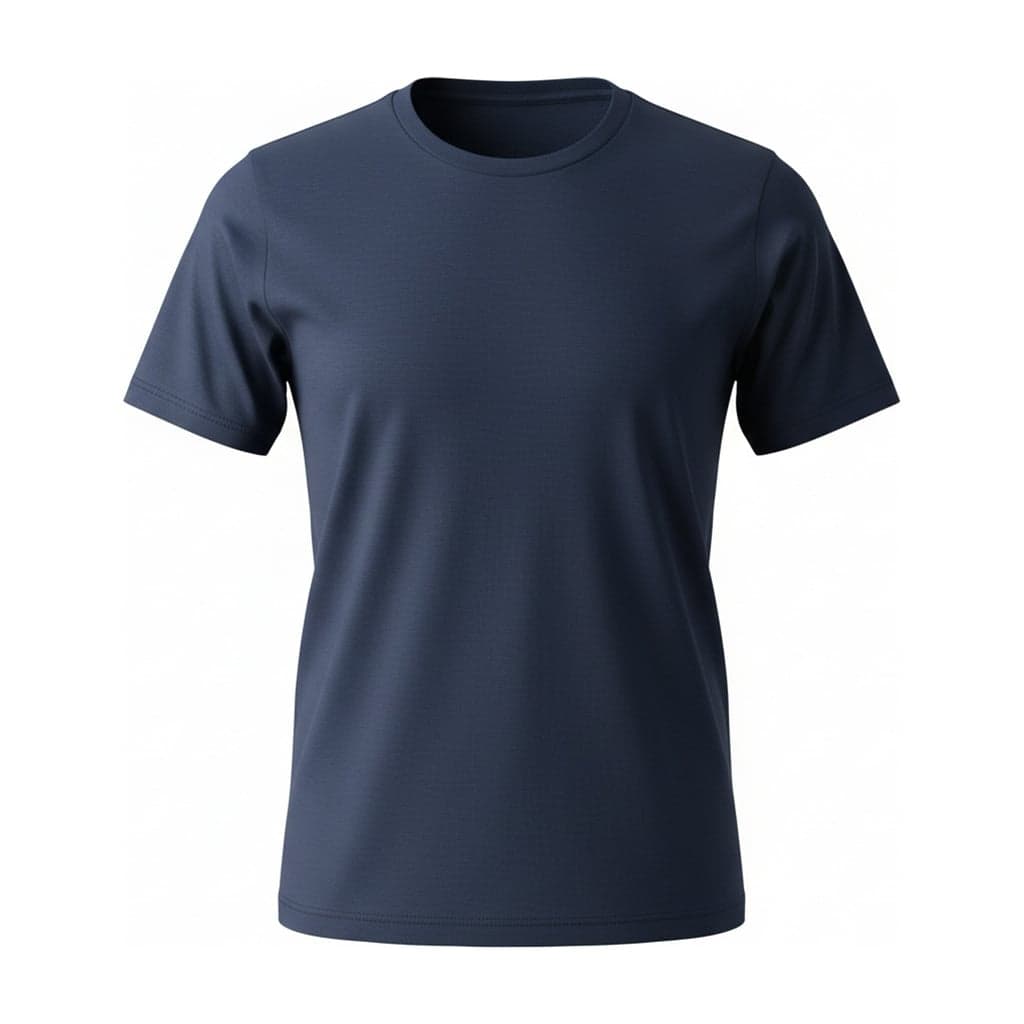
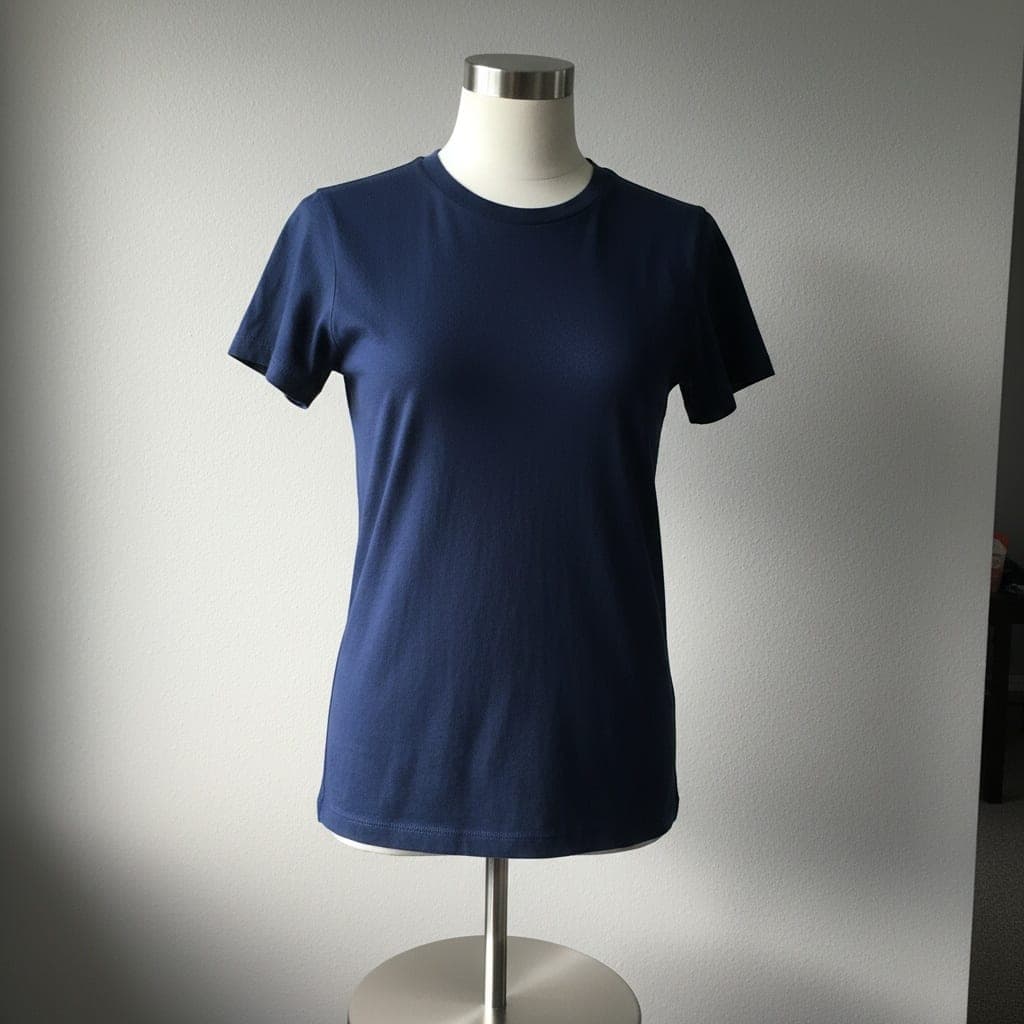
- Private: only you can see your photos
- Failed images give the credit back
- 2048 px downloads, ready for Shopify, Etsy and Amazon
- Pay once, no subscription
Product Photos From the Clothes You Already Shot
MannequinGhost mannequinGhost Mannequin
Upload a mannequin, hanger or flat lay photo and get the garment as if worn by an invisible form, with the inner neck filled in. Pick white, light gray or a transparent background.
AI ghost mannequin generator Mannequin
 Flat lay
Flat Lay
Upload a mannequin, hanger or worn photo and get a neat top-down flat lay. Pick white, light gray, light wood or linen, with or without a soft shadow.
AI flat lay generatorStart from your photo or your store
Pick the problem you want to fix, or the marketplace you sell on.
Ghost mannequinRemove a mannequin from a photoRemove the mannequin from a clothing photo, including the neck, arms and stand. AI fills in the inner neck so the garment looks worn by an invisible form.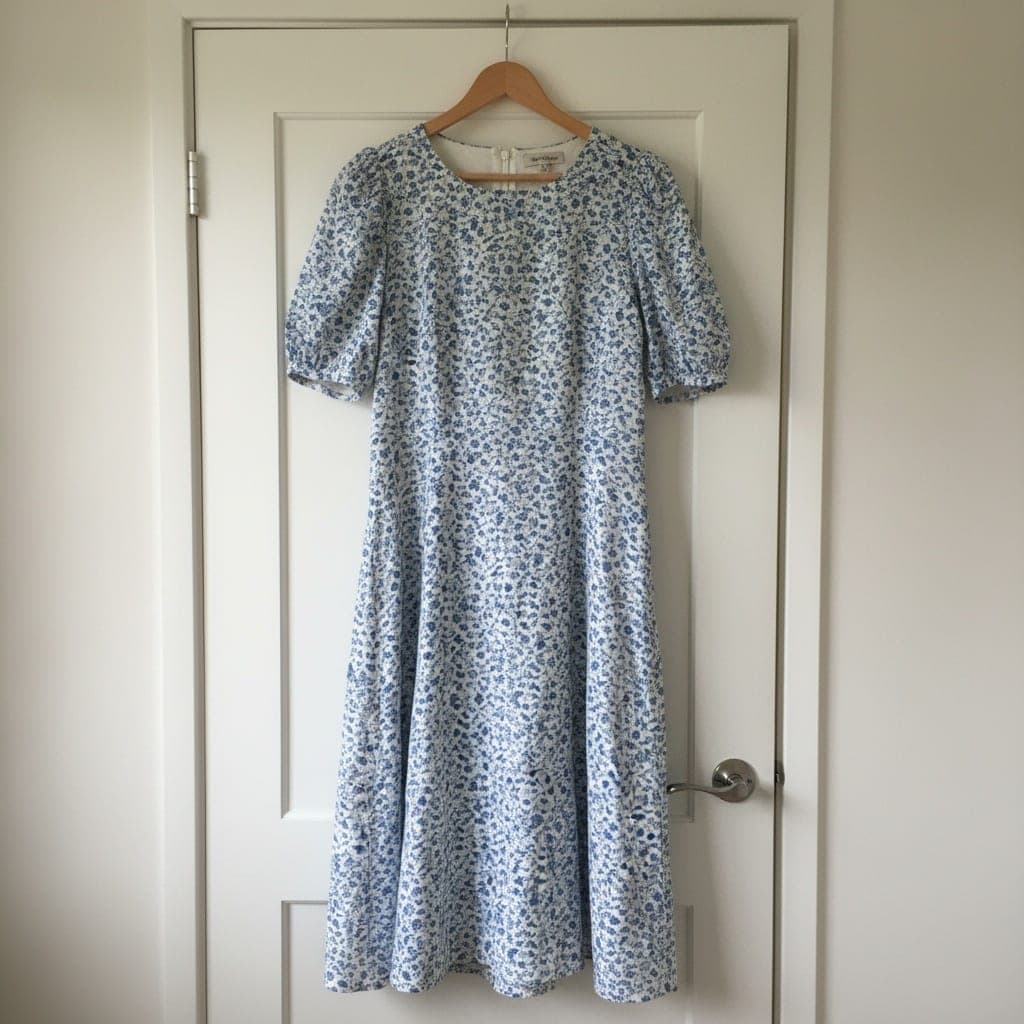
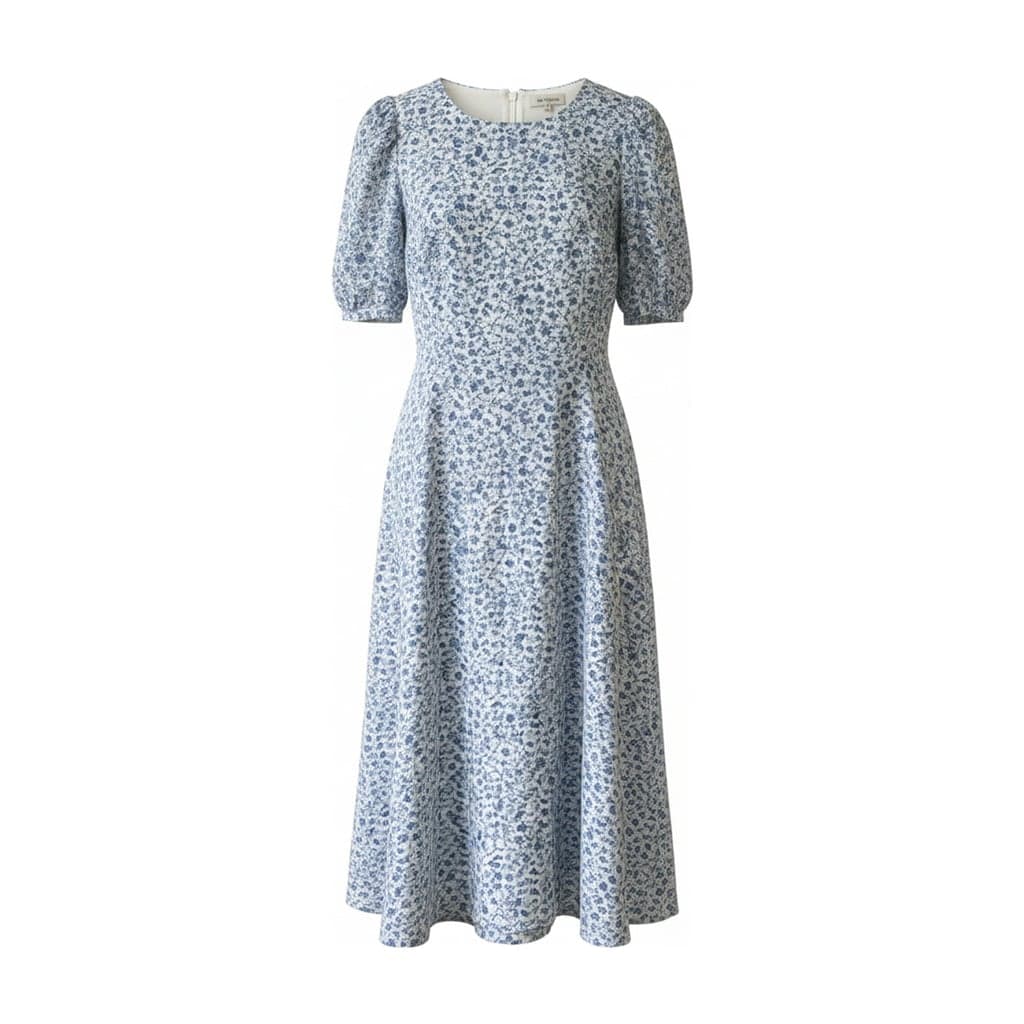 Ghost mannequinRemove a hanger from a photoTurn a photo of clothes on a hanger into a clean product image. AI removes the hanger and hook, rounds the shoulders and puts the garment on a plain background.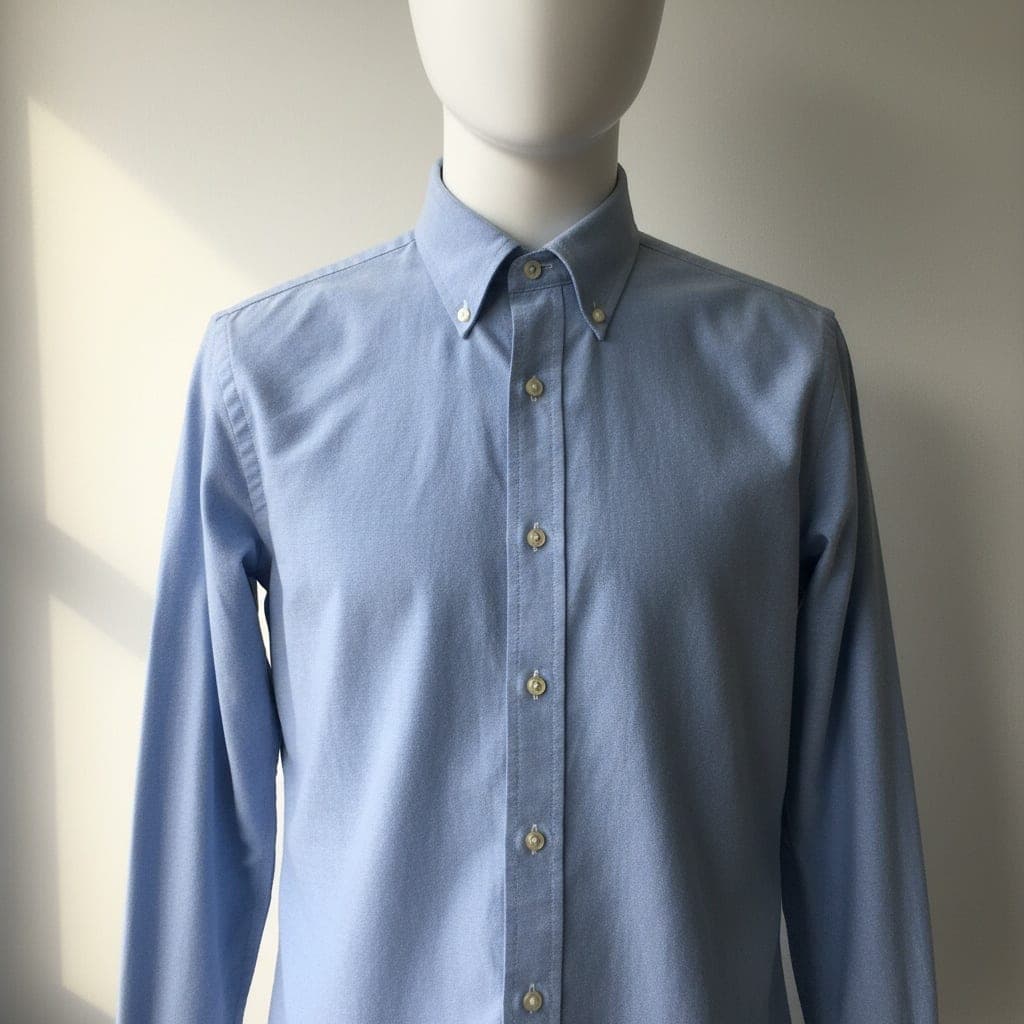
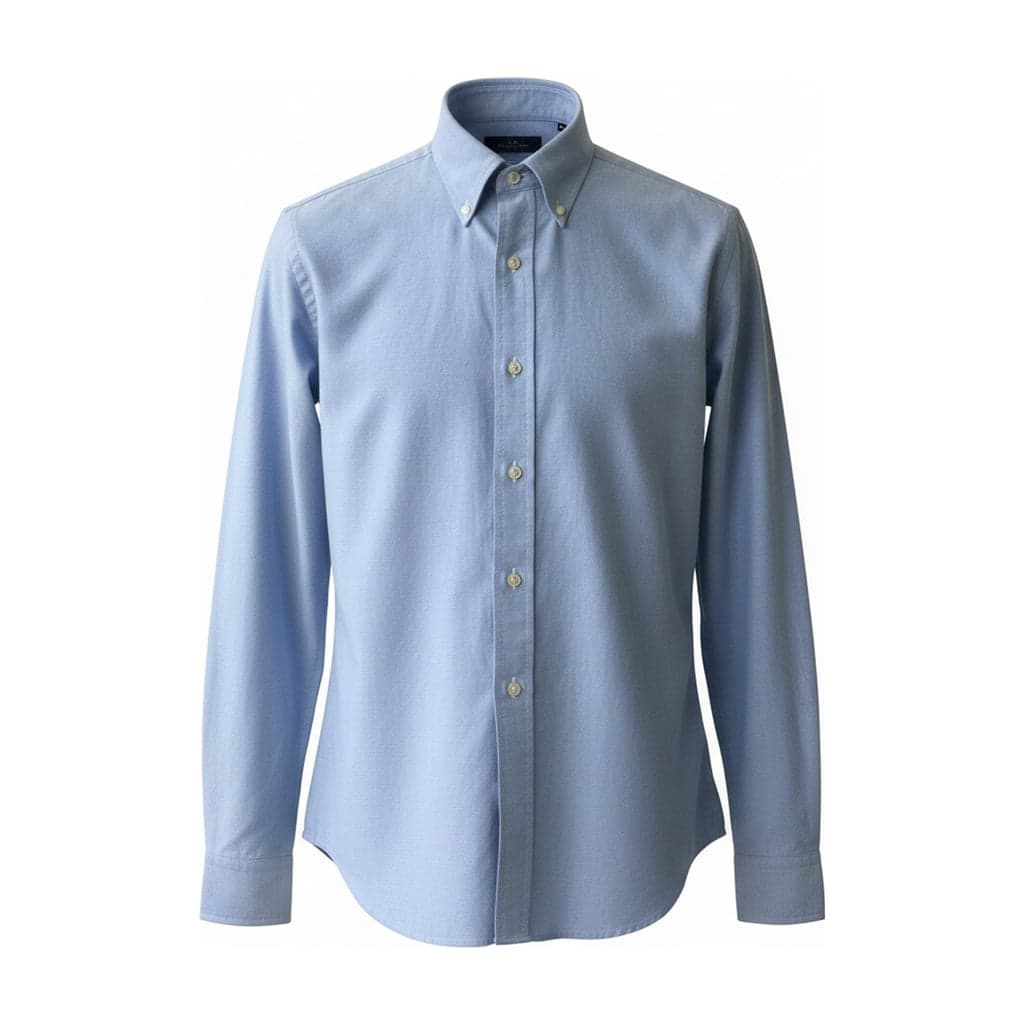 Ghost mannequinWhite background clothing photosMake white background product photos of clothing from the photos you already have. Pure #FFFFFF white, consistent padding and 2048 px images for marketplaces.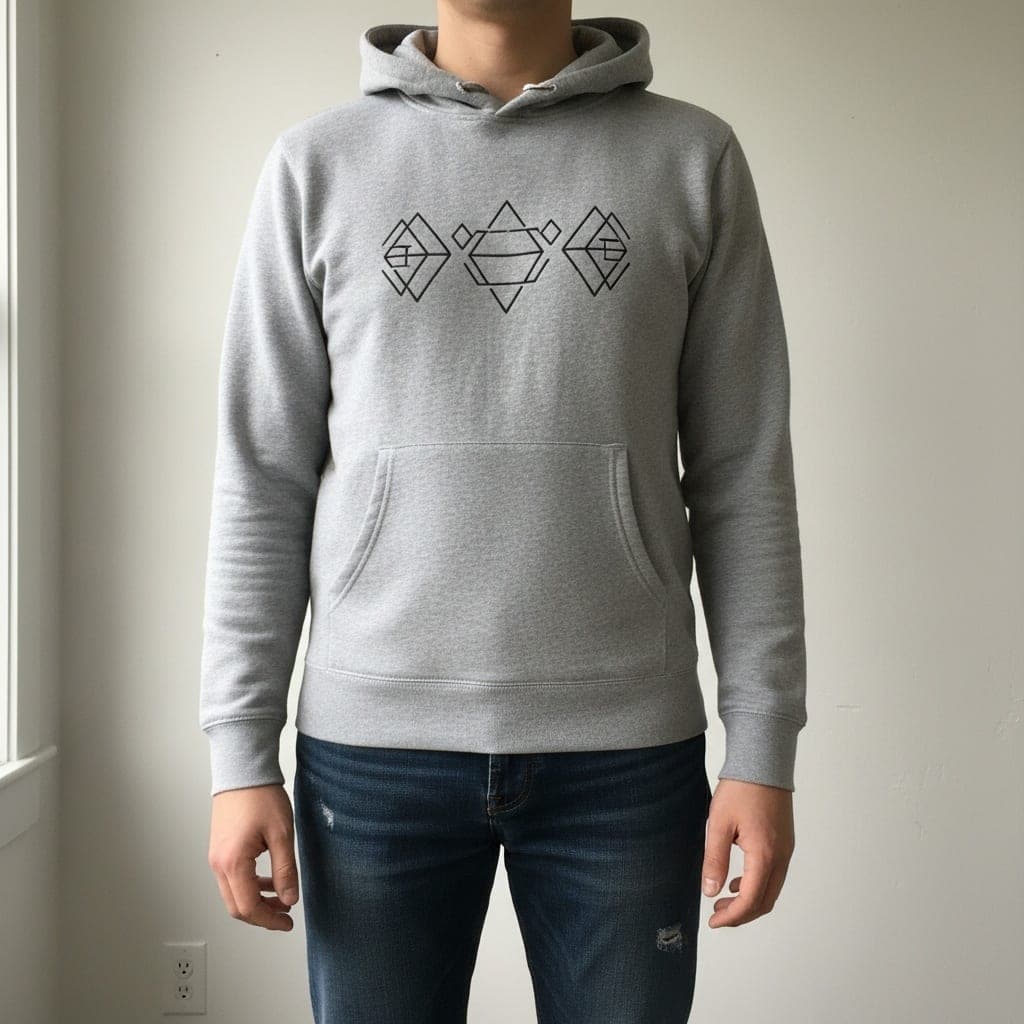
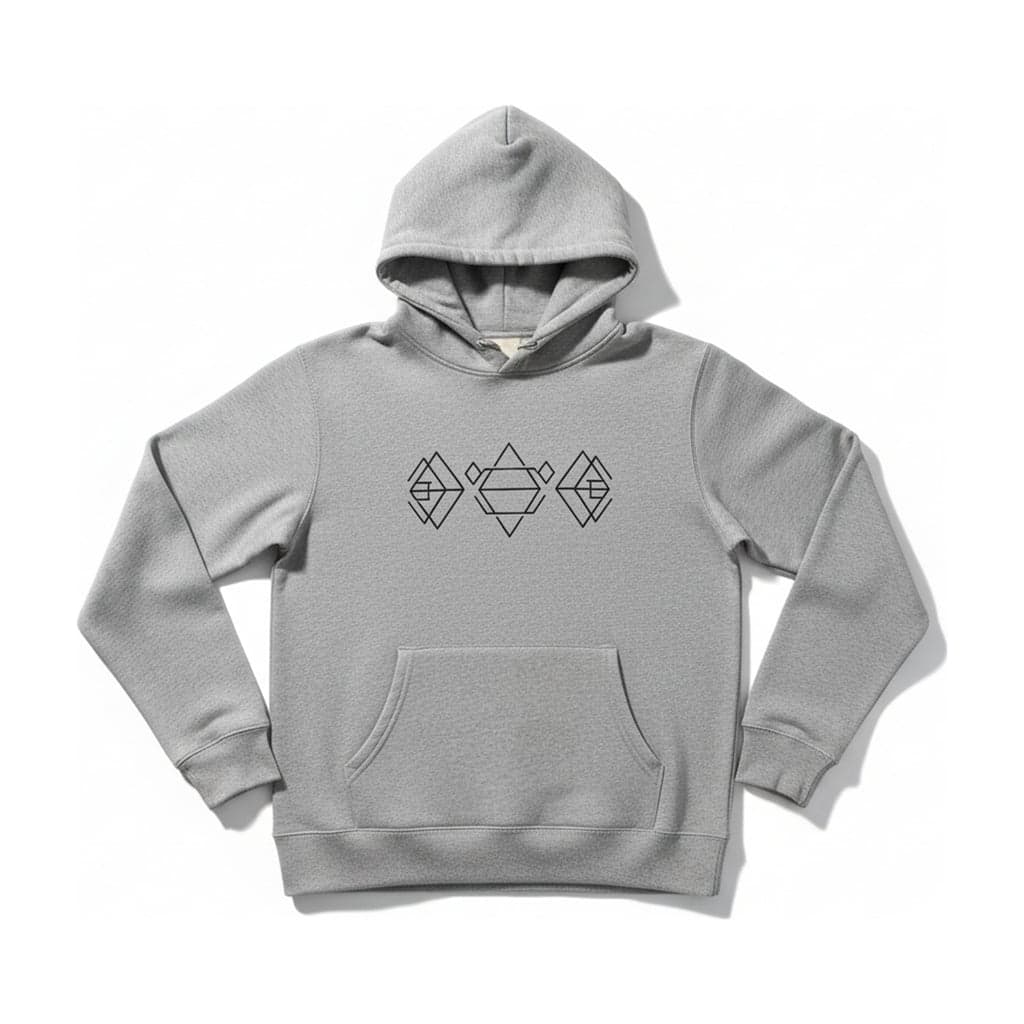 Flat layRemove a person from a clothing photoTurn a photo of someone wearing a garment into a clean flat lay product image. AI removes the person, keeps the garment and lays it flat on a plain background.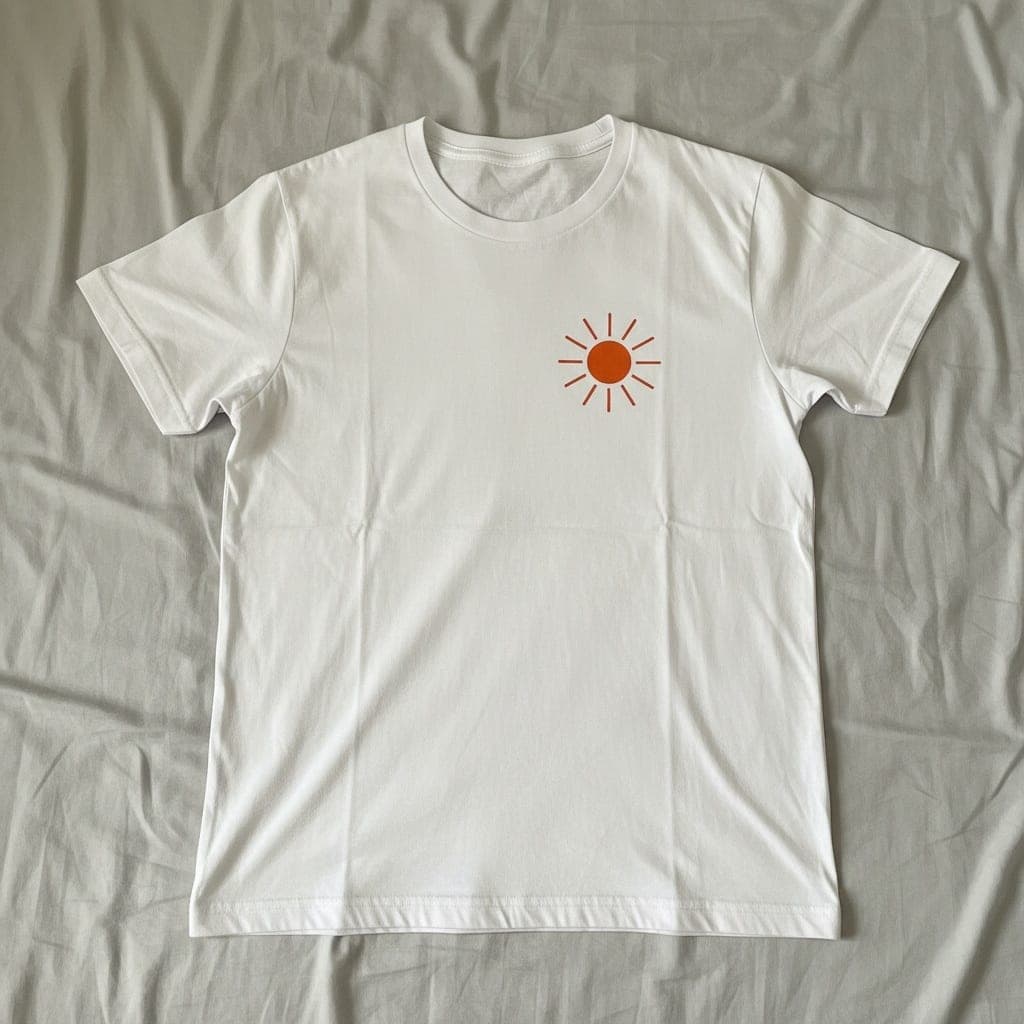
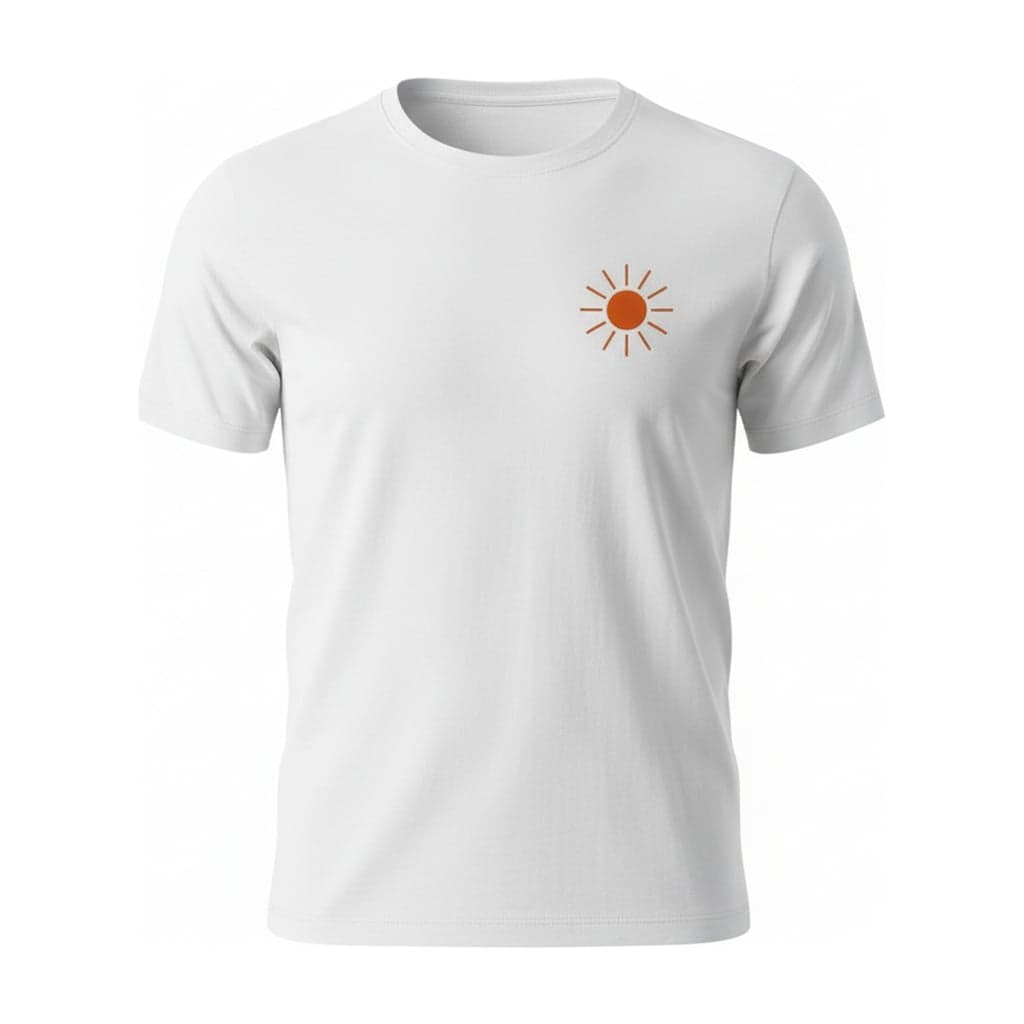 Ghost mannequinFlat lay to ghost mannequinTurn a flat lay photo into a 3D ghost mannequin image. AI gives the garment a worn shape and fills in the neck, keeping the print and texture from your photo.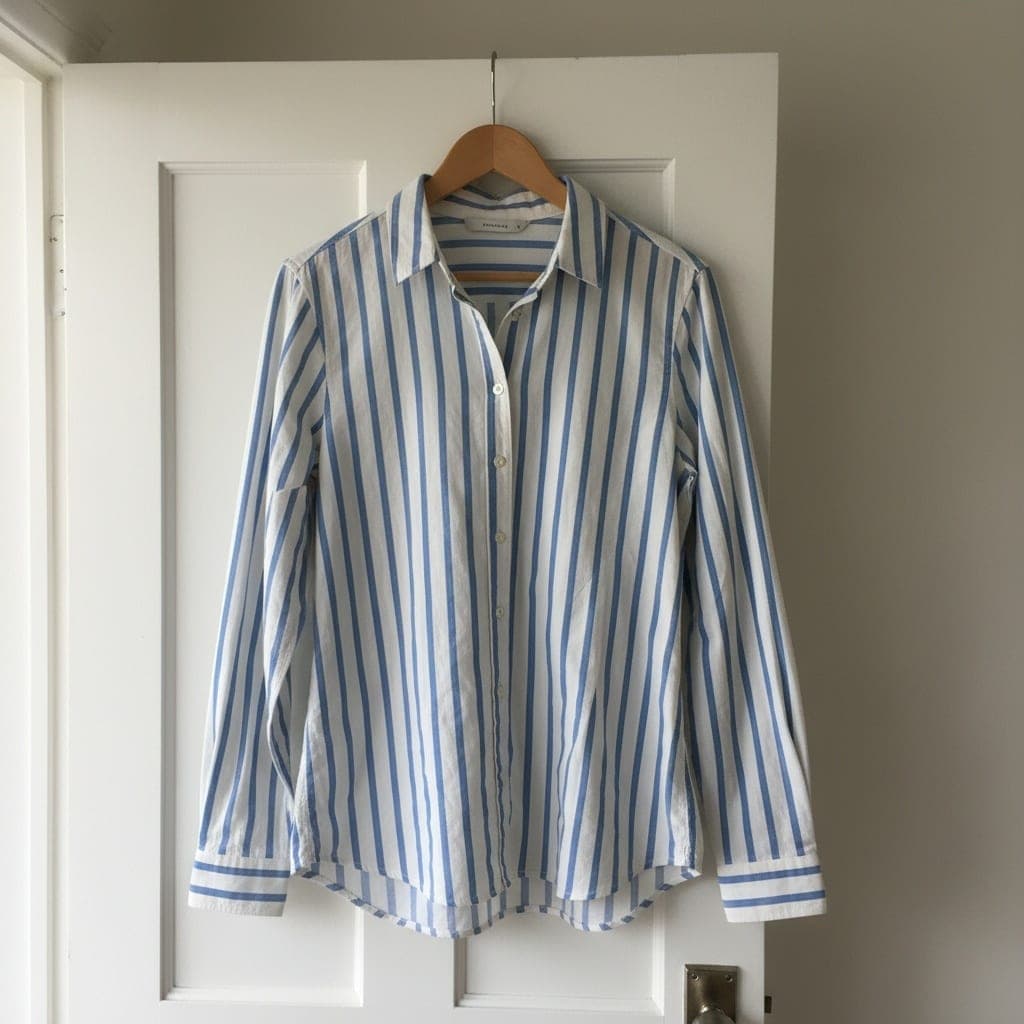
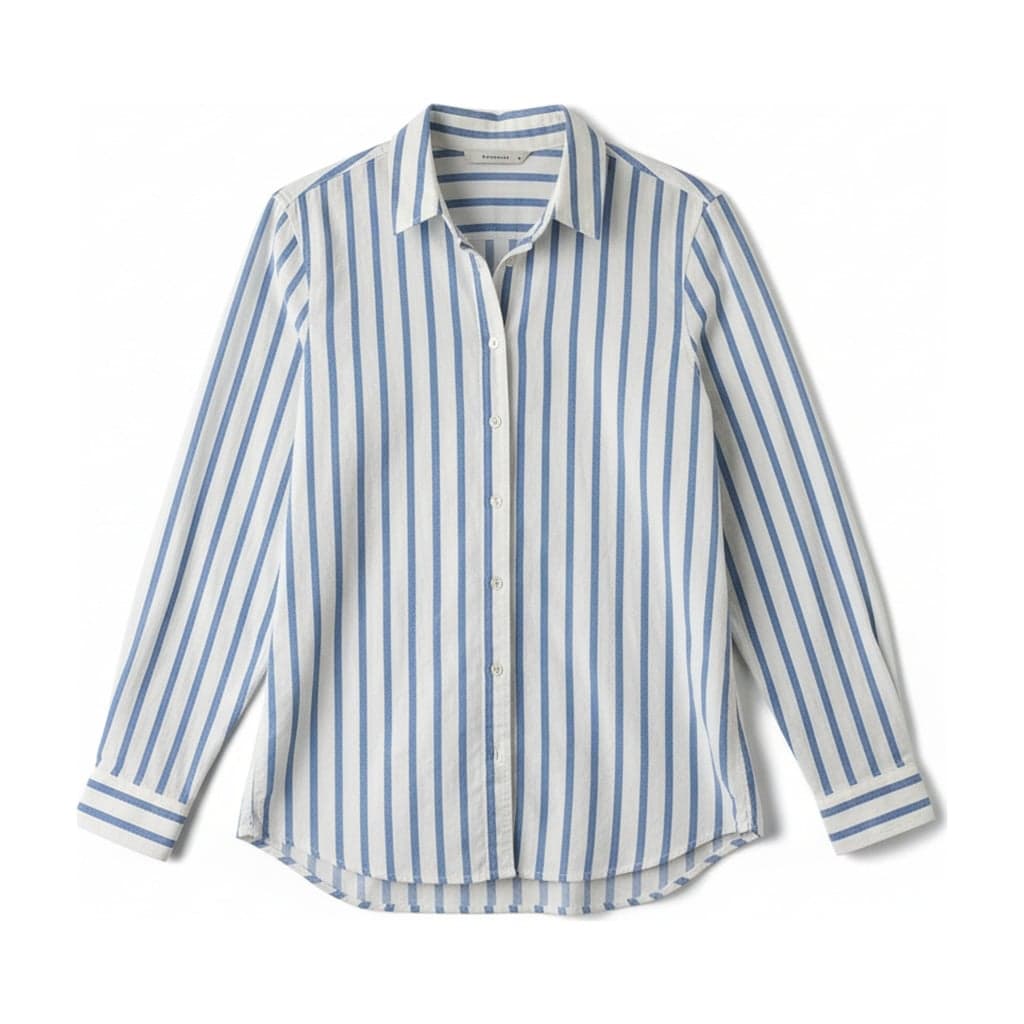 Flat layEtsy clothing photosMake consistent Etsy clothing photos from hanger or mannequin shots: flat lays on light wood, linen or white, 2048 px on the short edge, square or portrait.
Before and After Examples
Every result below is the untouched output of the same tool you use. The original photos are AI-generated sample garments, so you can see what the tool does before you try it with your own. Each pair is labelled with its input and output type.
See all examplesMannequinGhost mannequin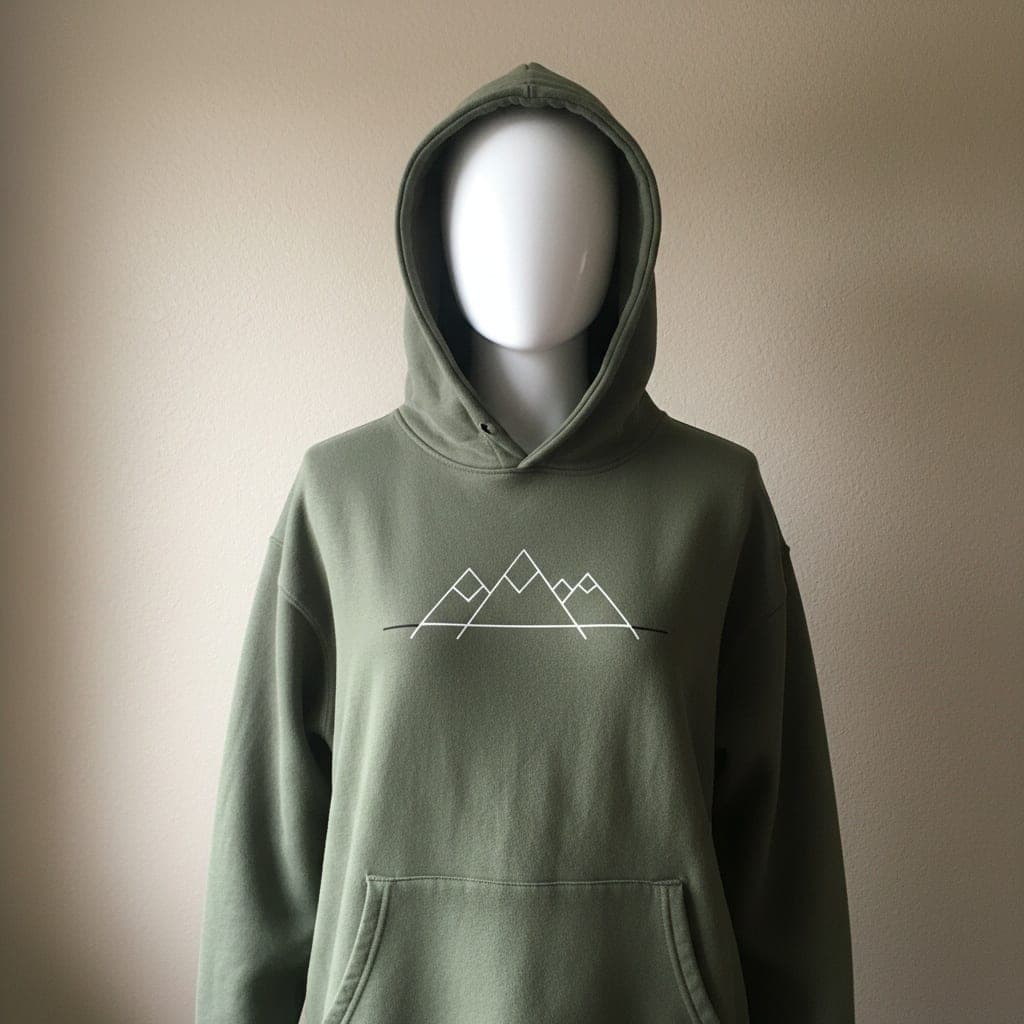 Mannequin
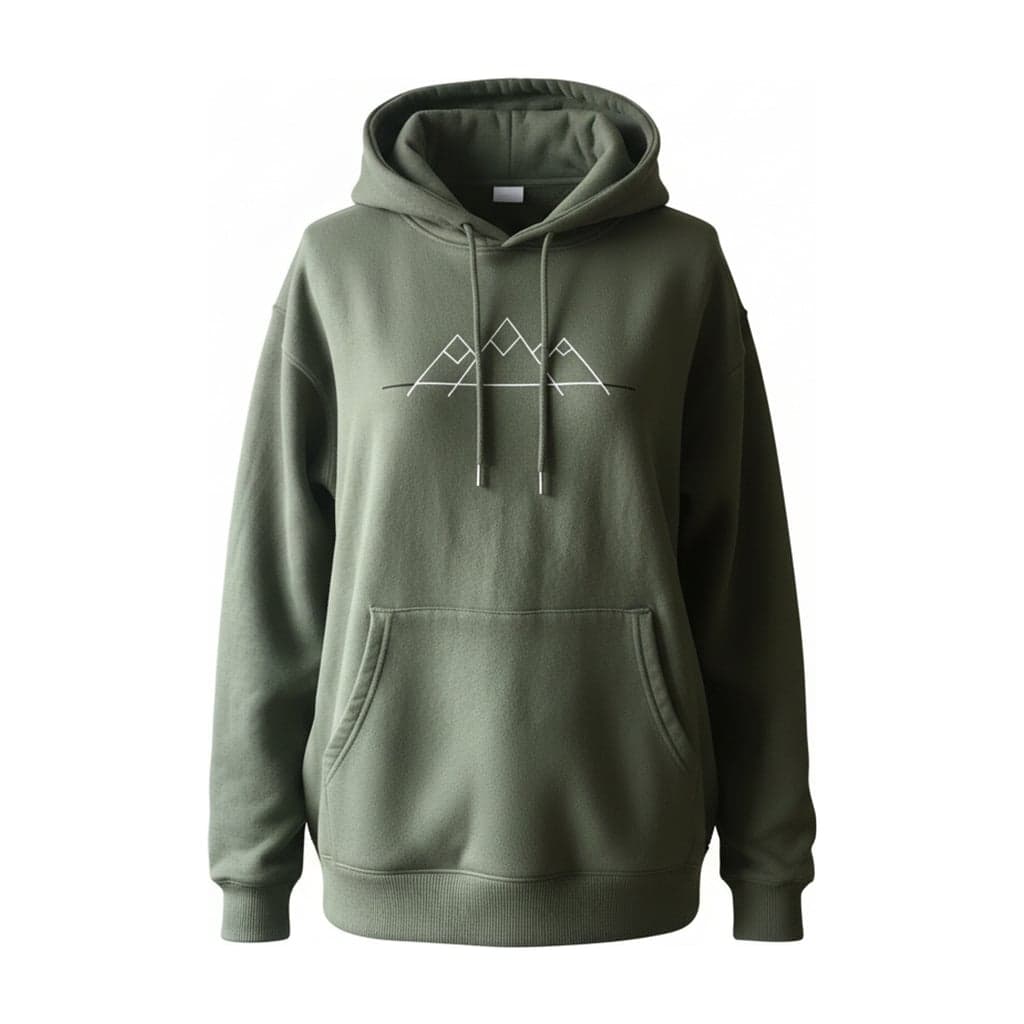 Ghost mannequinHangerGhost mannequinFlat layGhost mannequin
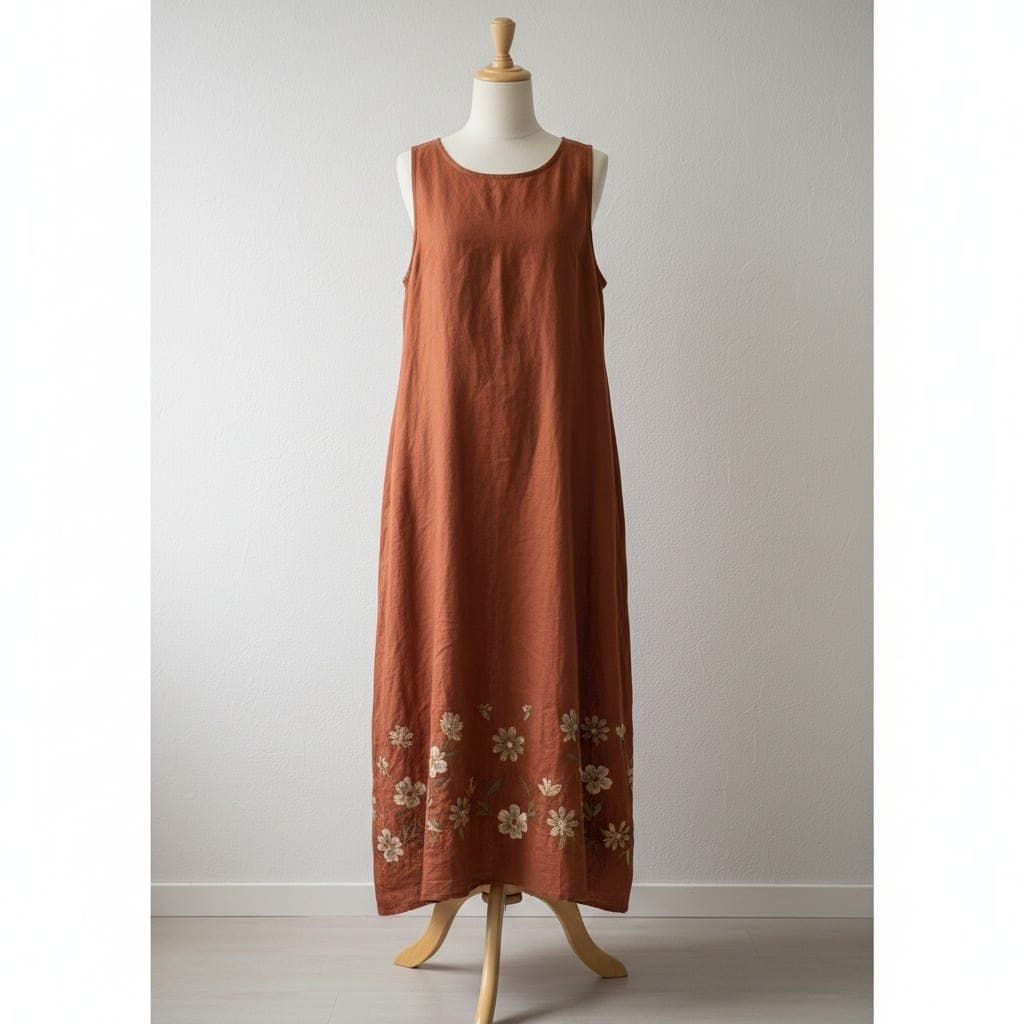 Mannequin
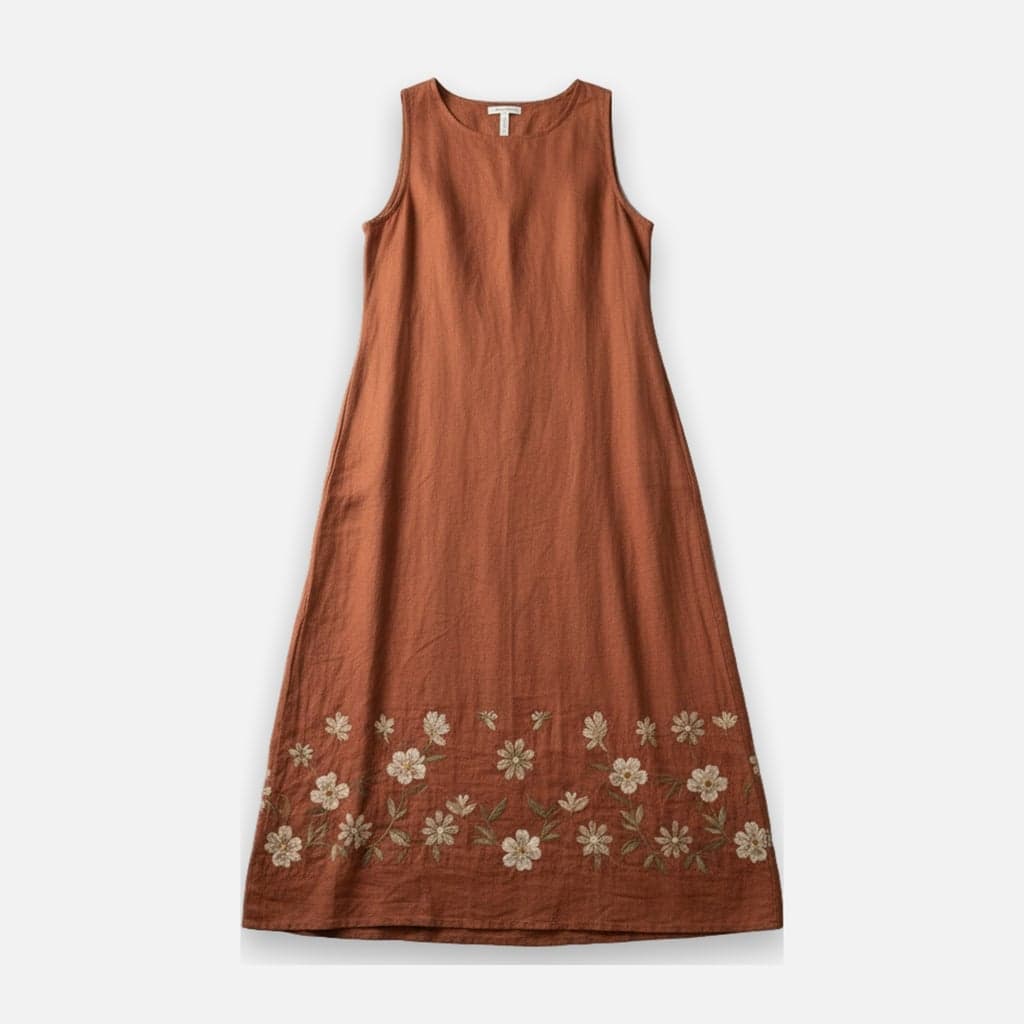 Flat lay
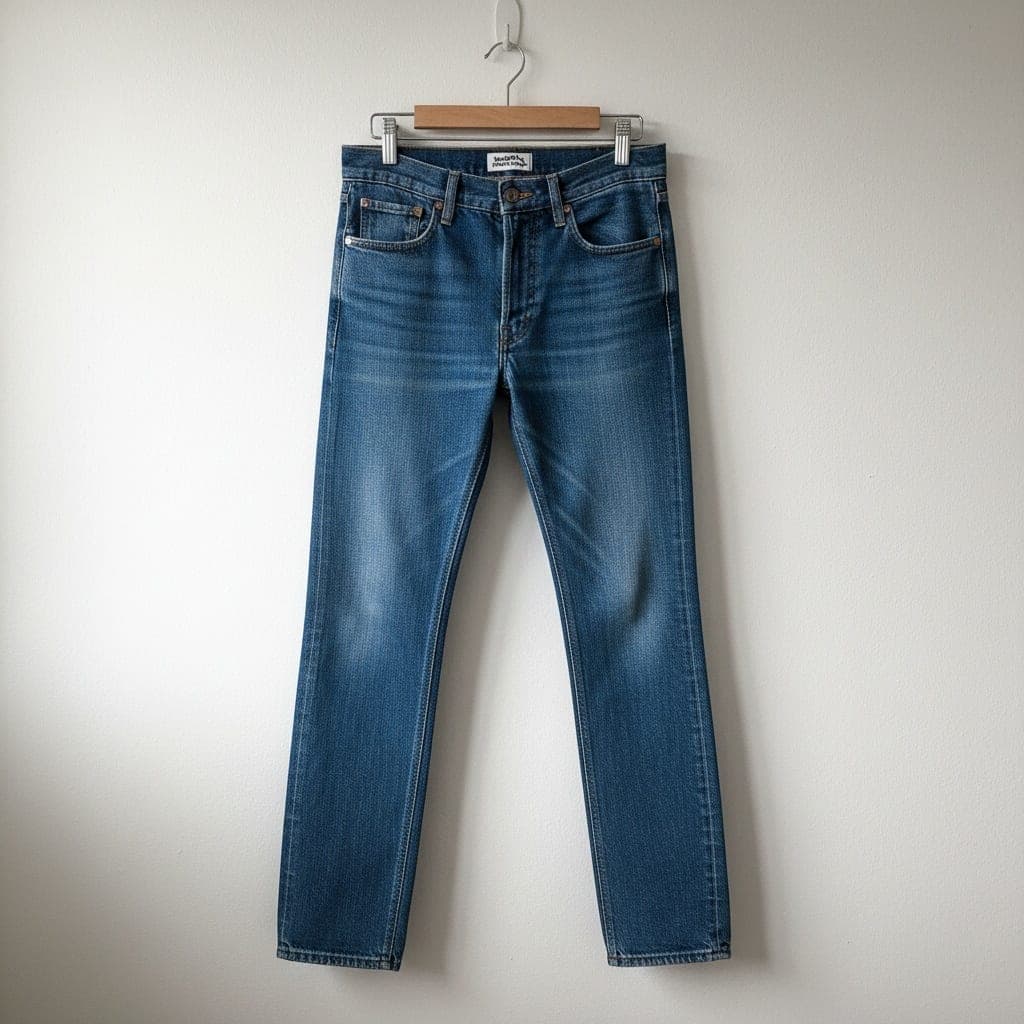 Hanger
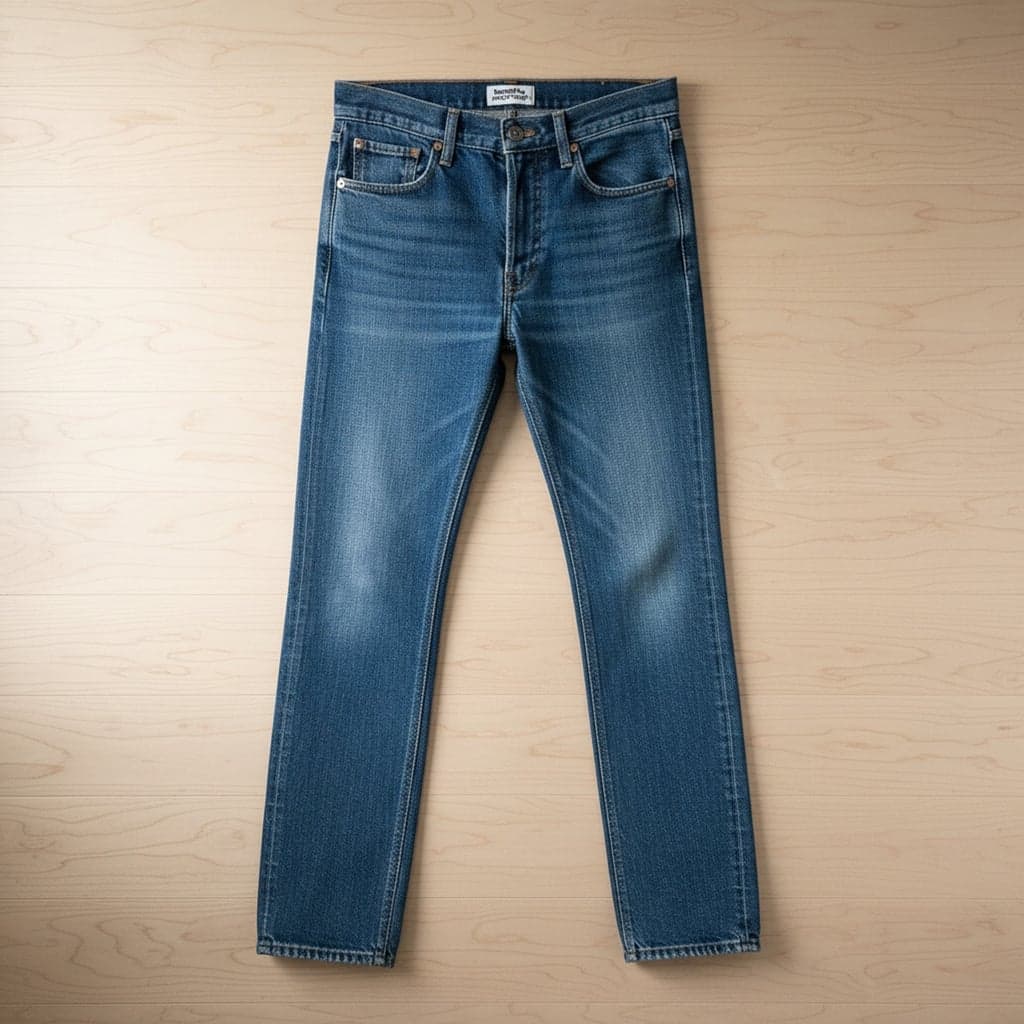 Flat lay
How It Works
- 01
Upload a photo
One garment per photo, on a mannequin, a hanger, laid flat or worn. JPG, PNG or WEBP, up to 15 MB.
- 02
Pick ghost mannequin or flat lay
Choose the look you want, then set the background, aspect ratio and padding once for your whole catalog.
- 03
Download
Compare before and after, then download a 2048 px image ready to upload to your store or marketplace.
Built for Clothing Sellers
Consistent listings
Every image comes out with the same background, aspect ratio and spacing, so your collection pages look like one shoot.
No reshoot needed
Start from the photos you already have. No studio, no ghost mannequin setup, no hours of editing per garment.
Clear limits
We tell you what the AI draws and what it keeps, so you know what to check before you publish.
What the AI Changes and What It Keeps
AI product photography for clothing only works if the garment stays true to what you sell. Both tools are told to keep the color, print, logo, text, stitching and shape you see in your photo, and to add nothing that isn't there.
What changes is everything around the garment: the mannequin, hanger or person is removed, and the background, framing and spacing are set for you. Some parts have to be drawn by AI: the inside of the neck on a ghost mannequin image, and the parts your photo doesn't show on a flat lay. Always compare the result with your product before you publish it.
- 01Each image uses 1 credit, on either tool.
- 02New accounts get free credits to try it once their email is verified.
- 03If an image fails, the credit goes back to your balance automatically.
FAQ
Do I need to install anything?
No. Both tools run in your browser on a computer or phone. You upload a photo and download the result.
Do I need an account?
Yes. You sign in so your photos and results stay private to your account, and so your credits are saved. New accounts get free credits to try it.
Which photos can I use?
Photos of one garment on a mannequin, a hanger, laid flat, or worn (for flat lays). JPG, PNG or WEBP, up to 15 MB and at least 800 px on the shortest side.
Can I use the images commercially?
Yes. You can use the images you create in your store, on marketplaces and in ads, as long as you have the rights to the photo you uploaded.
Who can see my photos?
Only you. Uploads and results are stored privately and are not public links. We delete them automatically after the period stated in our privacy policy.
Is there a subscription?
No. You buy credit packs once through PayPal, and nothing renews.
Your next product photo is already on your phone
Upload the mannequin, hanger or flat lay shot you already have and compare the result before you download.